Super Mario All-Stars
Native for Mac · Windows · Linux · Android
Insert cartridge
Free. No game data included: bring your own Super Mario All-Stars (USA) (Super Mario All-Stars - 25th Anniversary) file (the 25th Anniversary re-release; the 1993 cartridge is a different file and won't work).
SHA-256 411c7036750fbc79d60b84602414dbe713074de8204d3c4a5ad762679c103c61
How to play
- Download the version for your computer and unzip it. Mac: drag Super Mario All-Stars into Applications and double-click it. Windows: double-click SuperMarioAllStars.exe. Linux: double-click SuperMarioAllStars. Android: open the APK and tap Install (allow "Install unknown apps" if Android asks).
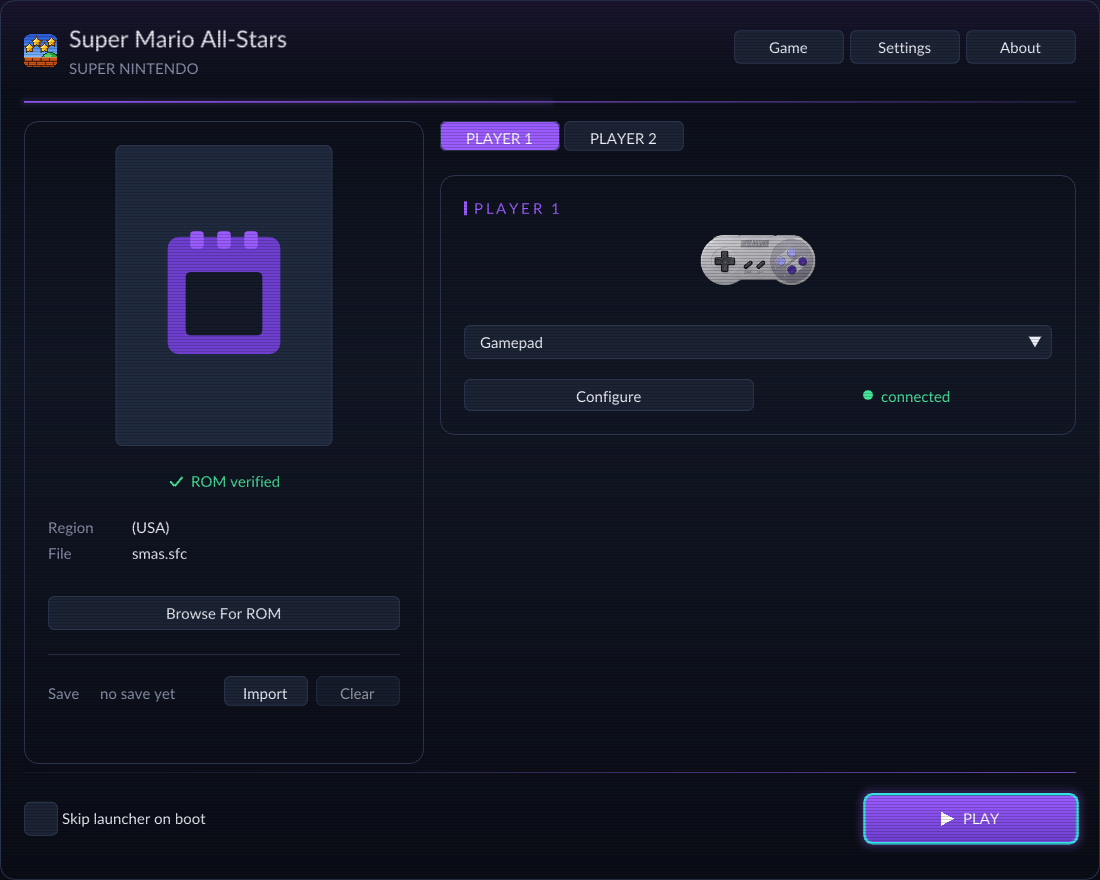
- The launcher (on Android, the first screen) asks for your game file. Pick your own Super Mario All-Stars (USA) (Super Mario All-Stars - 25th Anniversary) file. It shows ROM verified when it's the right one.
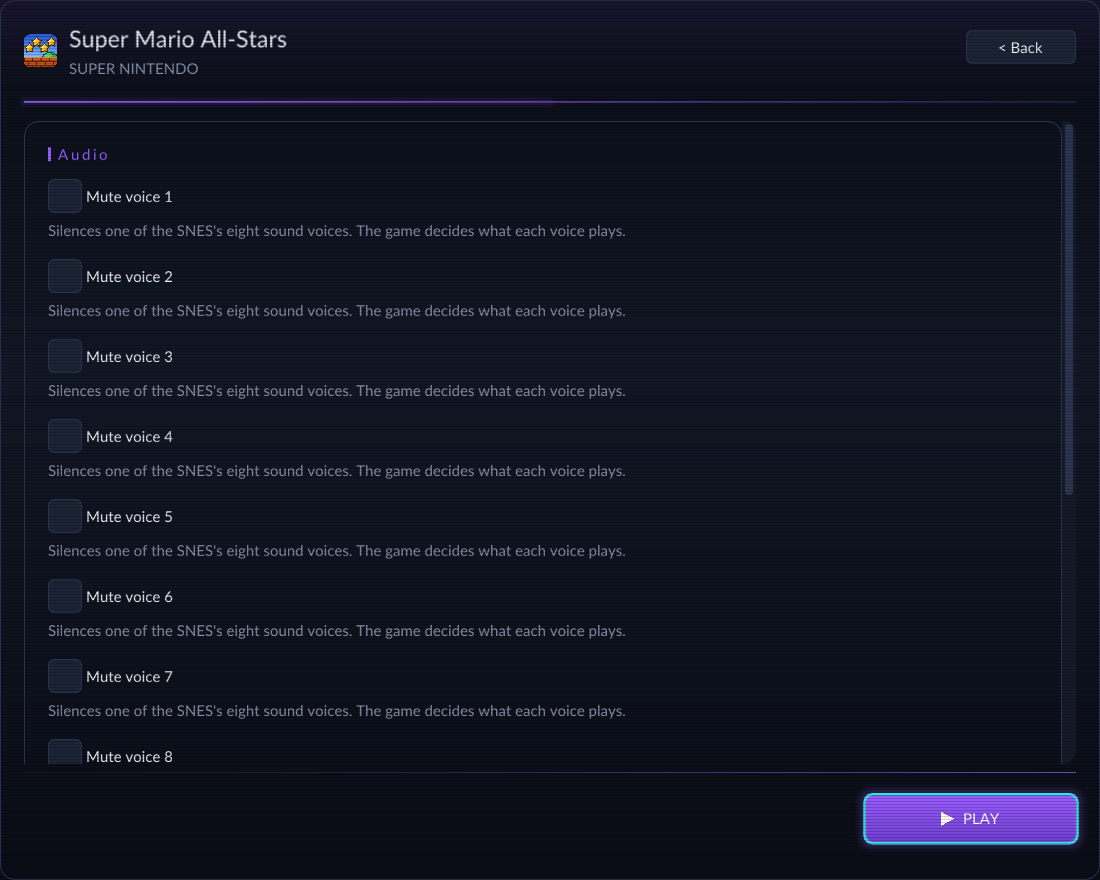
- Set your options (the Game button has the cheats), then press Play.
Controls
| Button | Keyboard | Controller |
|---|---|---|
| D-pad | ↑ ↓ ← → | D-pad or left stick |
| B | Z | Bottom face button (A / ✕) |
| A | X | Right face button (B / ○) |
| Y | A | Left face button (X / □) |
| X | S | Top face button (Y / △) |
| L | C | Left shoulder (LB / L1) |
| R | V | Right shoulder (RB / R1) |
| Start | Enter | Start / Options / + |
| Select | Right Shift | Back / Share / − |
| Menu | Esc | Guide / Home button, or Select + left stick click |
Plug a controller in and play, no setup. Xbox, PlayStation 3, 4 and 5, Switch Pro and Joy-Con, 8BitDo and over 2,000 more are recognized by name, and any other USB pad works with a standard layout. Everything can be remapped in Settings.
What's inside
A real app
A real Mac, Windows or Linux program. Super Mario Bros. and The Lost Levels are mostly translated into native code; Super Mario Bros. 2 and 3 run the original code in a built-in interpreter, at full speed.
Crisp at any size
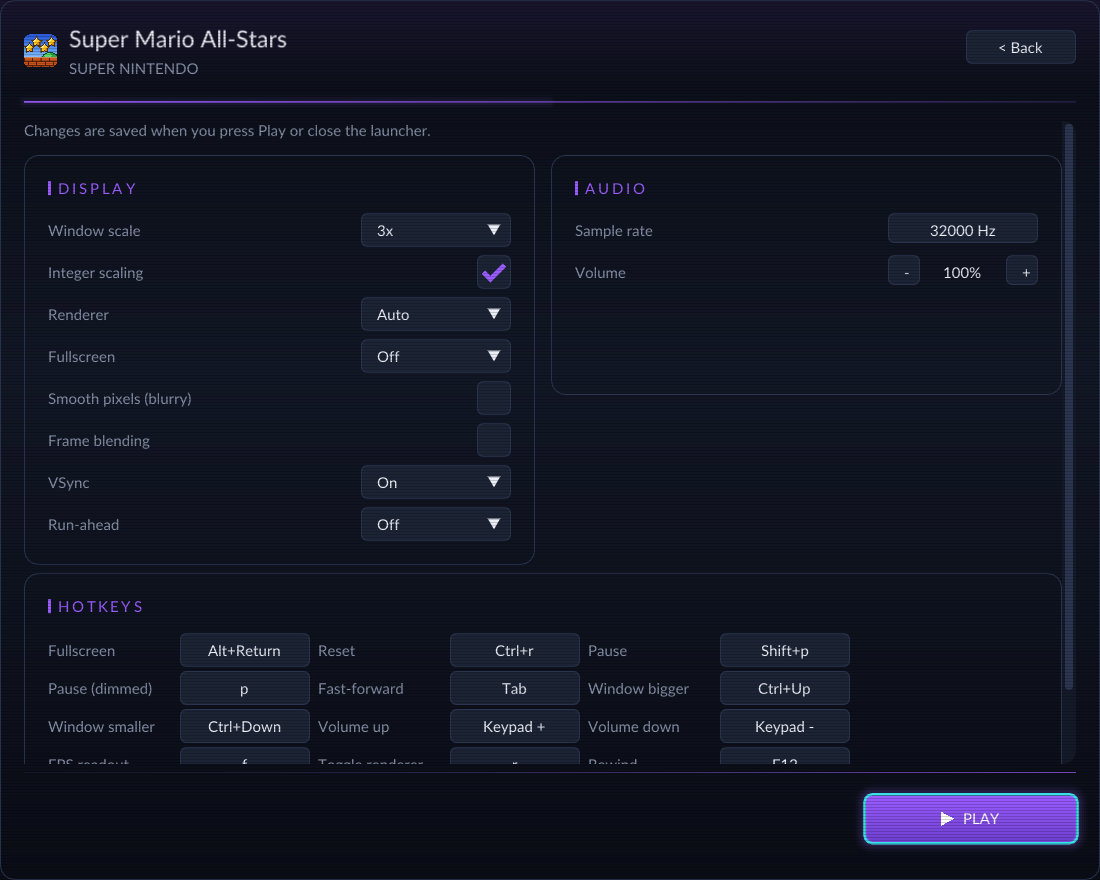
Whole-number scaling keeps every pixel sharp, from a small window to a 4K screen. No widescreen, on purpose: the picture stays the way the game was drawn.
A real launcher
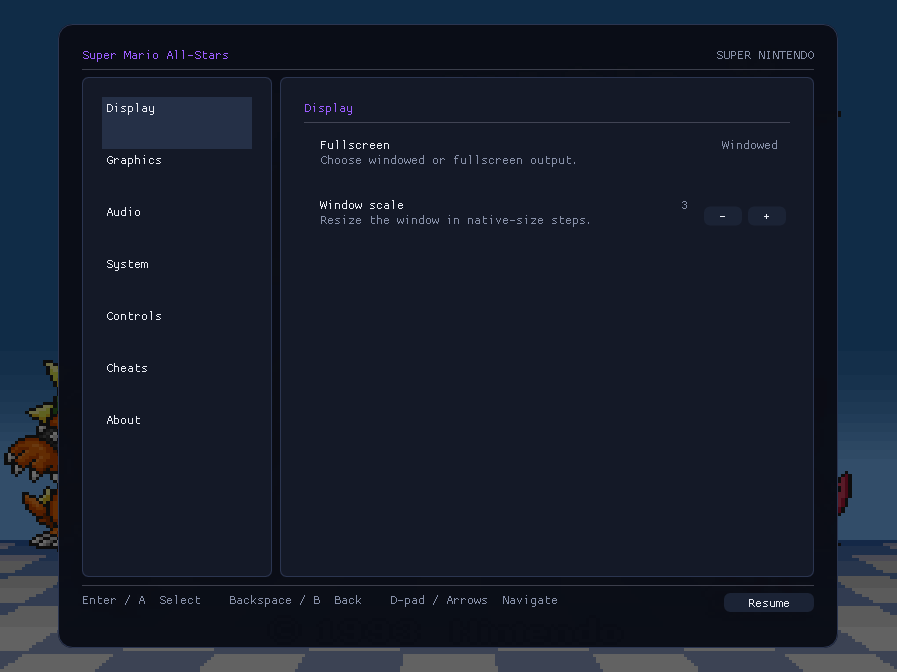
Display, controls and cheats, all set before you press Play.
Menu on Esc
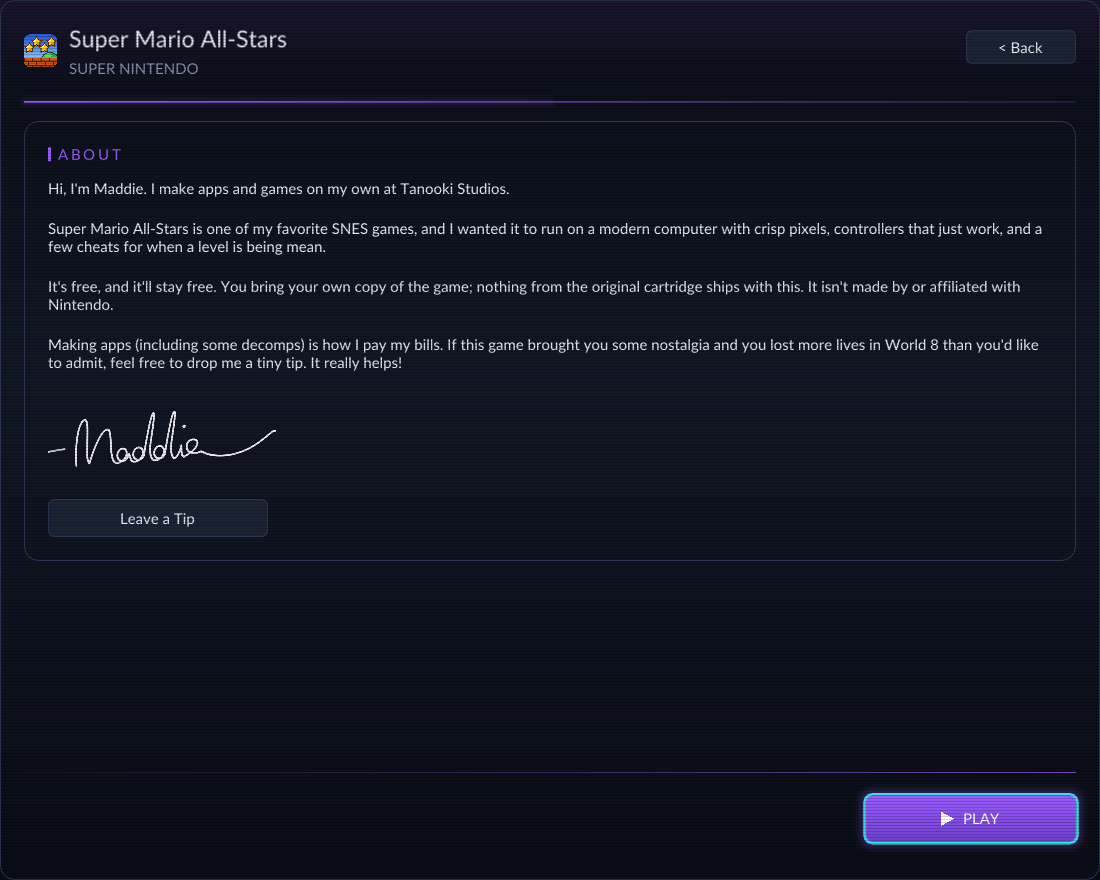
Settings, save and load states, reset the game, read the About letter, or close it.
Controllers just work
Plug one in and play, no setup. Everything can be remapped in Settings.
Cheats
Turn them on in the launcher or the Esc menu, for when a level is being mean: infinite lives, stop the clock, full hearts, start powered up.
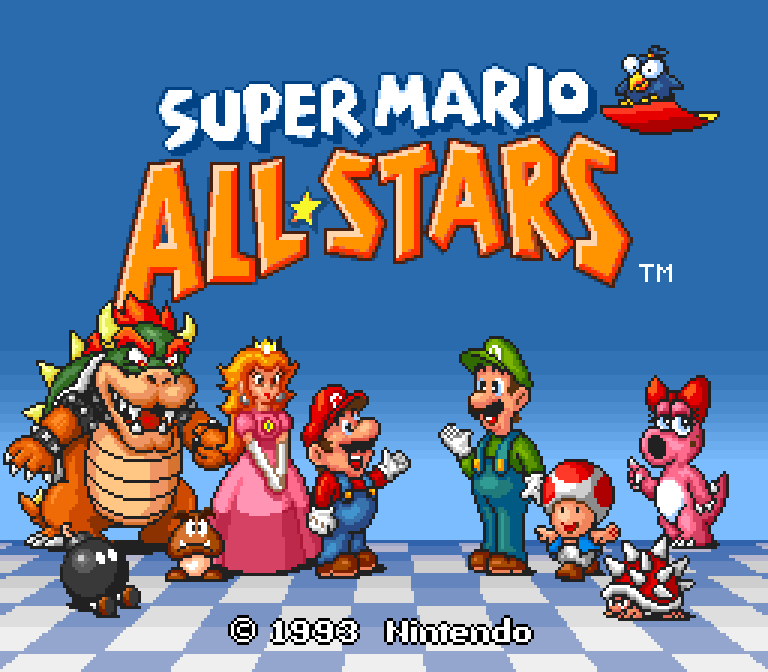
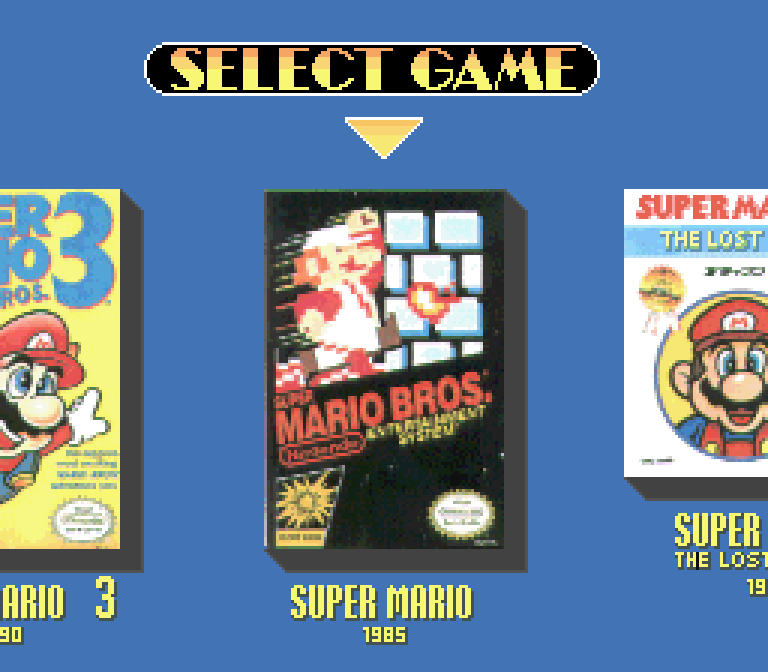
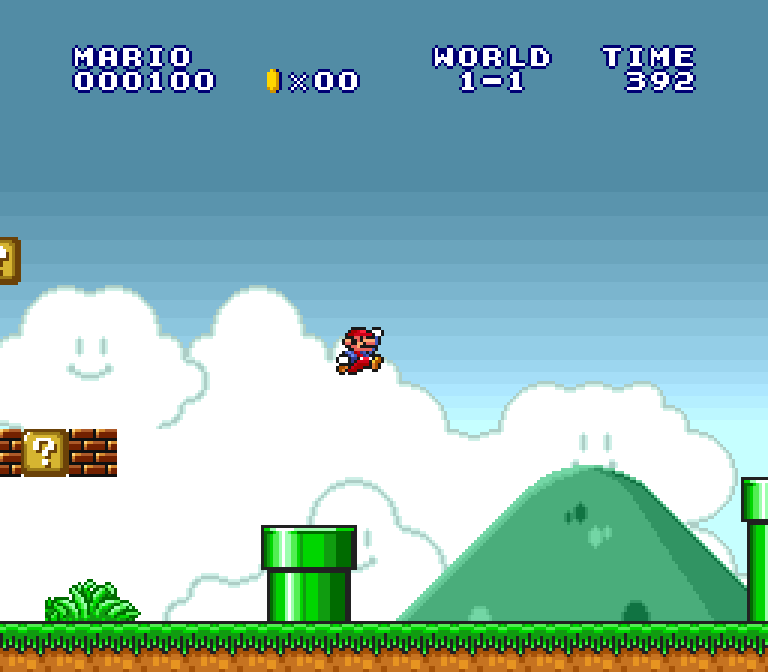
Screenshots
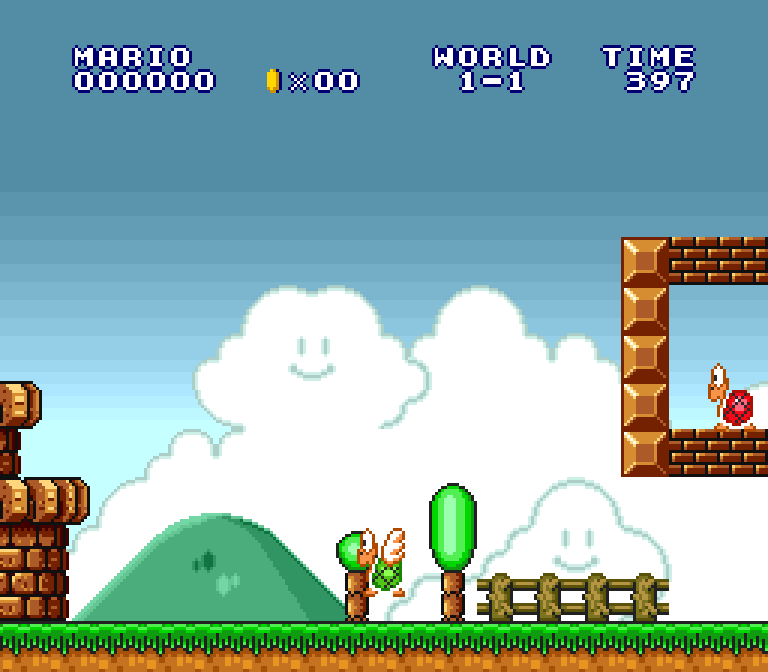
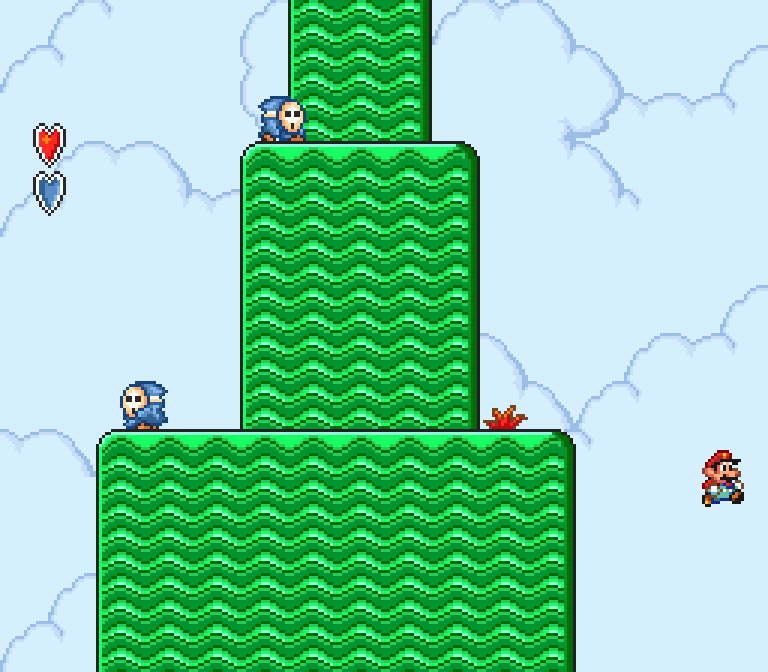
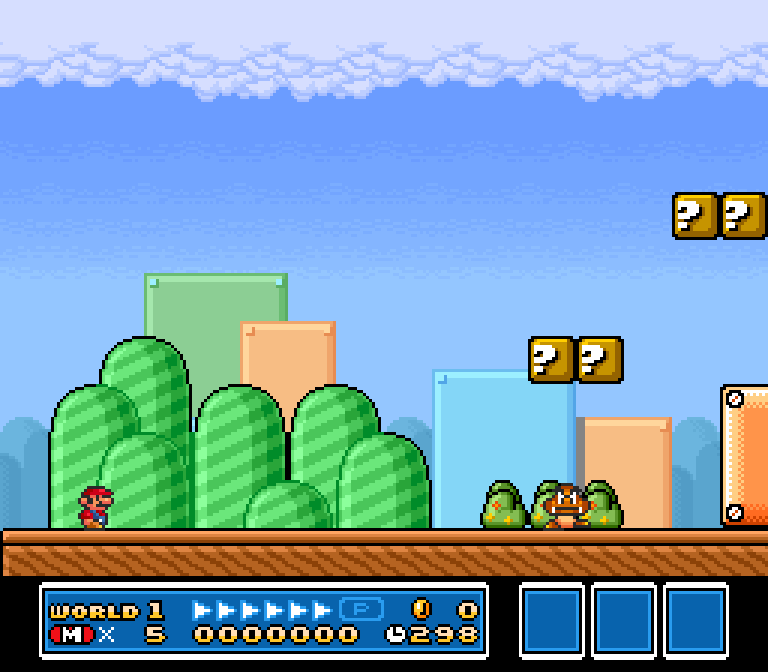
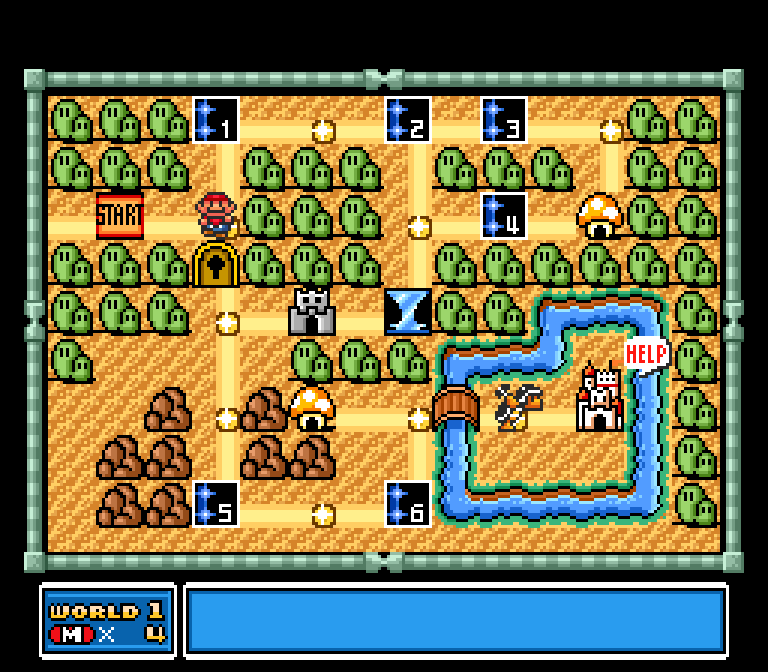
About Maddie
Hi, I'm Maddie. I make apps and games on my own at Tanooki Studios.
Super Mario All-Stars is one of my favorite SNES games, and I wanted it to run on a modern computer with crisp pixels, controllers that just work, and a few cheats for when a level is being mean.
It's free, and it'll stay free. You bring your own copy of the game; nothing from the original cartridge ships with this. It isn't made by or affiliated with Nintendo.
Making apps (including some decomps) is how I pay my bills. If this game brought you some nostalgia and you lost more lives in World 8 than you'd like to admit, feel free to drop me a tiny tip. It really helps!
 Leave a Tip